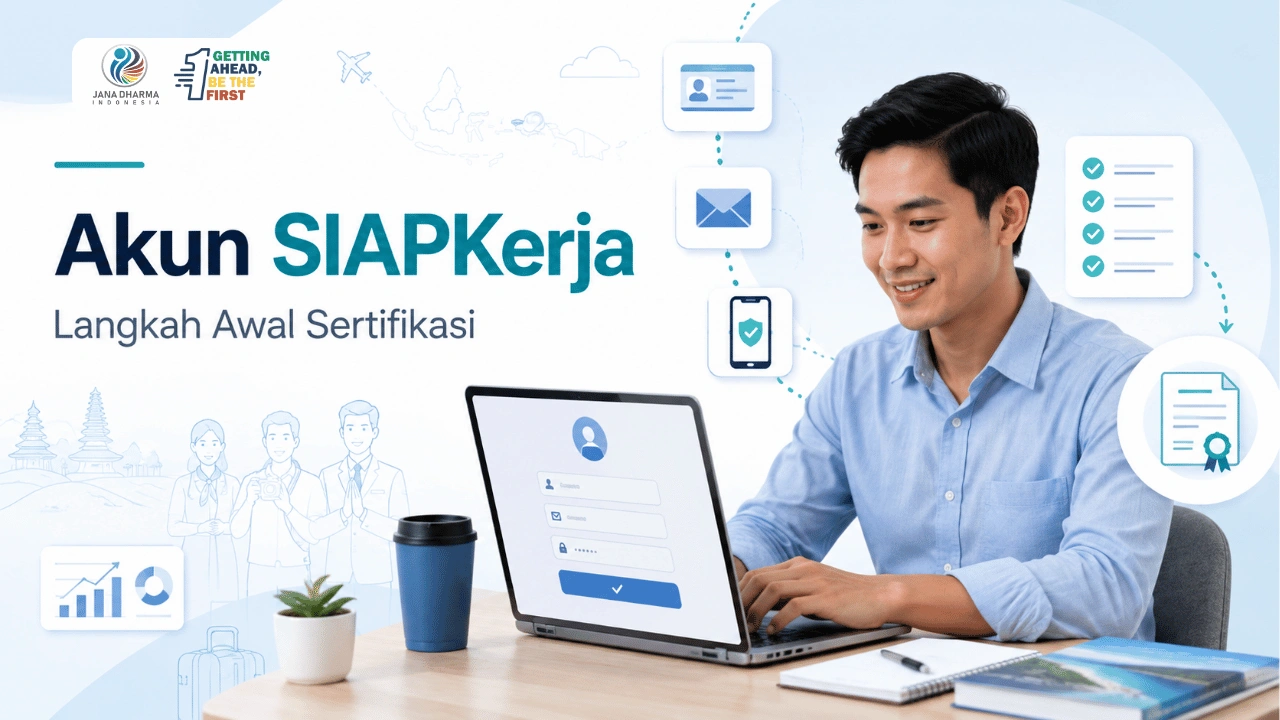
don’t have Ready work account When will you register for BNSP certification? You need to prepare it from the start so that the registration process, data entry, and access to employment services can run more smoothly.
The Ready-Work Account is used to access services that are integrated in the Ministry of Manpower ecosystem. However, creating an account does not mean you are automatically registered as a certification participant. You still need to choose a certification scheme, check the requirements, complete the documents, take part in the verification of the professional certification body, and undergo a competency assessment according to the available schedule.
This article will help you understand the function of the Ready-Work Account, the data that needs to be prepared, the registration steps, the obstacles that often occur, and the next stage before taking the Tourism Competency Certification.
Also read: 10 Questions You Should Ask a Travel Consultant Before Ordering
What is a Ready-Work Account and why is it needed for BNSP certification?
Ready work account Is an integrated account that is used to access various employment services belonging to the Ministry of Manpower of the Republic of Indonesia. This system uses a mechanism Single Sign-On, so that one account can be used to log into a number of integrated Ministry of Manpower services.
For prospective competency certification participants, the Ready-Work Account can be one of the initial stages to access certification-related services, including certification. However, the use of this account still needs to follow the registration mechanism set by the selected program, organizer, or professional certification body.
The Ready-Work Account is not the same as the Competency Certificate. Having an account also does not mean that someone is automatically registered as a BNSP certification participant. Prospective participants still need to choose a certification scheme, meet the requirements, complete the documents, take part in verification, and undergo a competency assessment according to the LSP procedure.
In summary, the Ready-Work Account has the following functions:
- Provide one account to access the integrated Ministry of Manpower services.
- Store identity data and user profiles.
- Help users access available information or employment services.
- Become part of the administrative stage when the certification program uses the ready-to-work ecosystem.
- Make it easier for prospective participants to continue the process towards the appropriate certification service.
This account is relevant to job seekers, trainees, prospective certification participants, professionals, institutions, and companies who use the Ministry of Manpower services. In the context of tourism, accounts can be needed by tourism marketing consultants, destination planners, area managers, destination managers, sales and marketing managers, as well as tourism business owners or managers who will take part in the competency certification program.
However, not all BNSP certification activities should be assumed to use SIAPEWORK. Registration channels may vary according to LSP policy, program type, scheme, and assessment schedule. Therefore, prospective participants need to check official information from the LSP or the organizer before registering.
After understanding the function of the Ready-Work account, the next step is to prepare the required data. This preparation is important so that the account registration and verification process is not hampered due to identity errors, inactive emails, or phone numbers that are no longer used.
How to Create a Ready-Work Account Step by Step
Once the personal data is ready, you can start the registration process through the official Ready-Work ID page. Use a device with a stable internet connection so that the data entry and verification process is not interrupted.
Register independently if possible. You may ask for technical assistance, but do not provide passwords or verification codes to others.
1. Go to the official id ready-work page
Access the Ready-Work ID Registration Page managed by the Ministry of Manpower of the Republic of Indonesia. Make sure the site address uses the official domain of the Ministry of Manpower before entering the NIK, email, mobile number, or other personal data.
On the login page, select Menu Sign up now to open the account registration form. The Ministry of Manpower also provides a special guide page regarding the registration of a ready-to-work account.
Avoid registering via links sent by unknown parties. If the link is provided by the certification organizer, double-check the site address before opening it.
2. Enter Identity Data
Fill in the identity data according to the Population Document. The main data to note is the NIK and full name.
Make sure you:
- enter the 16 digit NIK correctly.
- Use the full name according to the identity.
- Do not add titles that are not listed in the population data.
- Don’t use other people’s NIK.
- Re-check each number before continuing.
Data errors can hinder the verification process. Different identity data also has the potential to cause problems when you register for certification and submit documents to a professional certification body.
If the NIK is declared already registered, it is likely that the account has been created when you access other Ministry of Manpower services. Ready to work using a mechanism Single Sign-On, so that one account can be used for multiple connected services. Use the login problem menu or account recovery before trying to create a new account.
3. Enter the active email and mobile number
Use a personal email and mobile number that is still active. Both data can be used for verification, notification, and account recovery processes.
Check again for the following:
- No errors in writing email addresses.
- Email inbox can still be opened.
- Mobile number is still active.
- the number can receive a message.
- Email and mobile number have not been used on other accounts that you have.
Do not use emails or phone numbers belonging to the organizers, company staff, family members, or those who assist with registration. You will need direct access to the data when you have to re-enter or restore your account.
4. Create a secure password
Create a password according to the conditions that appear on the form. Use a combination of capital letters, lowercase letters, numbers, and symbols to make your account more secure.
Avoid predictable passwords, such as:
- full name.
- Date of birth.
- phone number.
- company name.
- simple number sequence.
- the same word as the email address.
Use different passwords from banking, social media, and primary email accounts. Save the password in a safe place.
Do not provide passwords to parties who offer registration assistance or certification assistance. The assistant can help explain the steps, but account access remains in the control of the identity owner.
5. Read approvals and terms of use
Before submitting the form, read the Privacy Policy and the terms and conditions listed on the registration page. Make sure you understand the use of the data entered.
Recheck all forms before approving registration. Focus on checking on:
- nik.
- full name.
- Email.
- mobile number.
- password.
- approval of the use of the service.
Do not rush to press the registration button. Errors in the early stages can complicate the next login or verification process.
6. Complete Account Verification
Once the form is submitted, follow the verification method displayed by the system. Confirmation code can be sent through a channel connected to the account data, according to the current mechanism.
Enter the verification code in the column provided. If the code has not been received, perform the following checks:
- Make sure the email address or mobile number is correct.
- Check the Spam or Promotion folder on the email.
- Make sure the device has a signal.
- Wait a few moments before requesting a re-delivery.
- Use the resend button if available.
- Do not share the verification code with anyone.
One of the obstacles that have been recorded by the Ministry of Manpower Help Center is that the NIK has been recorded, but the account is not yet active because the user has not entered the confirmation code sent to the email. Therefore, complete all stages of activation before closing the registration page.
The display and verification method are subject to change. Follow the instructions that appear on the system when you register.
7. Log in using the account that has been created
After the account has been successfully activated, return to the login page. Use email or mobile number and password that has been registered.
After successfully logging in, check whether the name and identity data are correct. Do not immediately proceed to the certification service if there is still a data error.
If the account is not accessible, use the Account Recovery menu. Ready to work provides several recovery options, namely through mobile numbers, email, or identity verification.
Avoid creating a new account just because you forgot your password. Dual accounts can cause confusion when data is used to access different services.
8. Complete the Ready-Work Profile
Unfinished account creation just by successfully logging in. You need to complete the profile so that personal and professional information is recorded properly.
The part of the profile that needs to be checked can include:
- Biodata.
- profile photo.
- address or domicile.
- education history.
- work experience.
- training history.
- certifications that have been obtained.
- skills or skills.
- other professional information requested by the system.
Fill in the data based on the actual conditions. Do not add experience, position, certificate, or competence that cannot be proven.
For prospective participants in tourism certification, information on work experience needs to be written specifically. Examples include the experience of developing marketing strategies, analyzing destinations, managing areas, developing tourism products, coordinating stakeholders, or managing tourism businesses.
Use descriptions that show real work, not just job names.
9. Check the suitability of the data again
Before using the account to access the certification service, compare the data on the profile with the documents to be submitted to the LSP.
Make sure there is consistency in:
- full name.
- nik.
- Date of birth.
- education.
- company or institution name.
- position.
- working period.
- training history.
- certification history.
If there is a data difference, fix it first through the available menu. If the data cannot be updated independently, use the Ministry of Manpower Help Center or the login menu.
10. Save proof of registration if needed
After the account is active and the profile is checked, save information that can help with the administrative process. The evidence can be in the form of a screenshot of the profile page or account confirmation, as long as it does not display a password and verification code.
Keep evidence only for personal or legal administrative needs. Do not upload screenshots containing NIK, phone numbers, email addresses, or personal data to social media.
After the account is ready for work, the certification process has not been automatically started. You still need to check the registration channel, select the certification scheme, meet the participant requirements, and follow the procedures specified by the LSP or the organizer.
Starting from the ready-work account, continue with the right scheme
Already have a ready-to-work account, but still confused about choosing a tourism certification scheme?
The ConsultantPariwisata.com team can help you understand the choice of schemes based on your work profile, experience, certification objectives, and proof of competence. Assistance can be carried out for individuals, teams, institutions, companies, associations, area managers, and local governments who need tourism HR competency development programs.
Consultation may include:
- Mapping of duties and responsibilities.
- Identify the schemes that need to be studied.
- Initial readiness of participants.
- Document and portfolio arrangement.
- Identification of competency gaps.
- preparation of training needs.
- Preparation for individual or group certification.
- direction of communication with the relevant LSP.
Consultation and mentoring do not guarantee that participants are declared competent. The decision on the results is still determined through an assessment and the certification process carried out by the LSP in accordance with applicable regulations.
Consult the tourism certification scheme at LSP Jana Dharma via WhatsApp and improve your career in tourism.
- whatsapp : 0813-8058-460
- instagram : @jana_dharma_indonesia
- Email : lspp.janadharmaindonesia@gmail.com
- Jana Dharma Indonesia Tourism LSP Address: Jl. Arimbi No.01, Kragilan, Sinduadi, Kec. Mlati, Sleman Regency, Special Region of Yogyakarta